How AI Agent Teams Transform Decision-Making
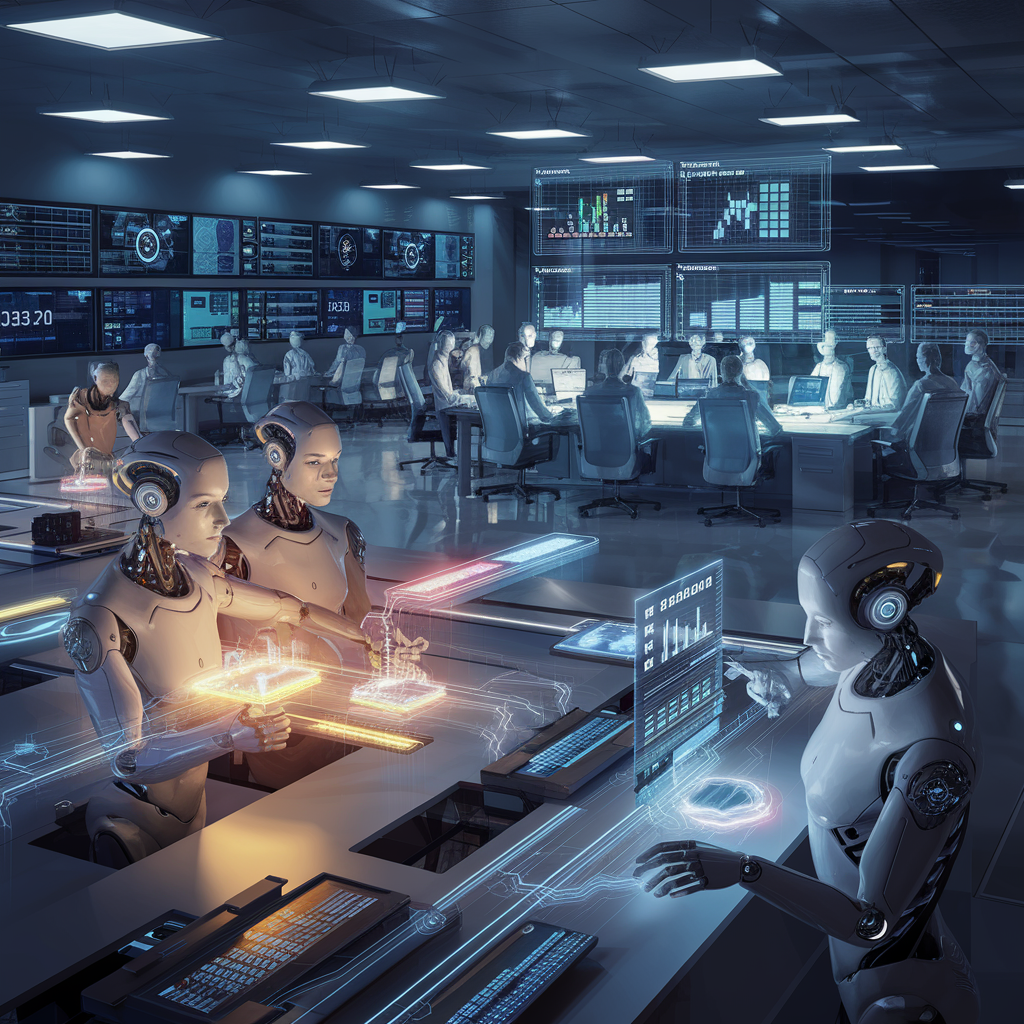
In today’s real-time economy, with almost daily turmoil, waiting for static dashboards or end-of-day reports puts businesses at risk. Decision-makers need faster insight and smarter responses—and they’re finding both in AI-powered agent teams. This post follows a “decision-day” walk-through where scheduled agents detect anomalies, trigger analysis, and deliver actionable intelligence. Along the way, we’ll preview a powerful future: dynamic response teams that self-assemble on demand, transforming routine data monitoring into collaborative, AI-driven strategy.
From Manual Monitoring to Team Workflows
For years, business teams relied on dashboards and manual checks—forcing analysts to sift through data after the fact, often too late to pivot strategy. AI agents like Angie now automate this process, persistently scanning KPIs and surfacing anomalies in near real time – bringing signal to the surface before teams even ask. This shift transforms monitoring from a reactive task into a proactive loop, enabling tactical adjustments as performance fluctuates throughout the day.
| Monitoring Type | Description | Response Speed | Human Effort |
|---|---|---|---|
| Manual Monitoring | Analysts check KPIs periodically; issues often spotted late | Slow | High |
| Scheduled Triggers | Agents run on set schedules to check and report KPIs | Moderate | Medium |
| Team Workflows (Emerging) | Agent teams collaborate in sequence—detecting, diagnosing, and acting as events unfold in real time | Fast | Low |
Early adopters gain more than speed – they free up analysts from routine checking, letting them focus on root cause, strategic options, and next steps.
Intelligent Agent Teams and Semi-Autonomous Coordination (Today)
Sentienta Teams lets you assemble expert AI agents customizable to your business context – think of them as always-on teammates with specialized roles. With data collected continuously by Angie, users can periodically request updates, triggering collaborative evaluation across the team. Insights emerge through the interplay of domain-specific agents, each contributing to problem-solving like part of a cohesive virtual task force.
What’s powerful today is the modular collaboration between agents: Angie spots the signal, users prompt an update, and the team responds—analyzing root causes, surfacing implications, and aligning recommendations. This tiered interaction shortens feedback loops while keeping the human-in-the-loop where needed.
This model already elevates decision quality by transforming raw signal detection into team-powered insight—without code or integration overhead. Let’s see how this might work:
Scenario Walk-Through — “End-of-Quarter Chain Reaction”
At 9:55 AM, Angie, the KPI Monitoring Agent, completes her scheduled data sweep: collecting conversion metrics, analyzing trends against prior cycles, and logging a 12% drop. She also factors in data from the UX Deployment Team’s new UI update logged at 8:00 PM yesterday, establishing a preliminary correlation with increased mobile bounce rates.
9:55 AM: Angie (KPI Monitoring Agent): “Scheduled Insight Logged — Conversion rate down 12% vs prior cycle. Ingested UX deployment log from 8:00 PM yesterday—preliminary correlation with mobile exit rates established.”
At 10:05 AM, CMO Alex Morgan reviews Angie’s logged summary while preparing for the QBR, triggering further analysis from the broader agent team.
10:05 AM: Analytics Agent: “Manual review confirmed. Running historical comparison — dip predominantly isolated to mobile traffic sources.”
10:07 AM: Competitive Intelligence Agent: “Scanning competitor trends… Detected concurrent promotional push by primary rival.”
10:10 AM: Summary Agent: “Final insights compiled: Traffic dip largely traced to mobile UX issues with the recent UI update, compounded by competitor campaign. QBR-ready report delivered to shared location.”
10:12 AM: Presentation Update Agent: “Integrating the final report into the QBR presentation—slides refreshed with updated KPI graphs and attribution notes reflecting the new UI deployment impact.”
This scenario illustrates how scheduled data logging, combined with cross-departmental inputs and manual review, triggers a coordinated AI response that supports executive decision-making.
Next-Gen Workflow Automation: Intelligent Sequences & Self-Assembling Expertise
Get ready for a system where a planning agent can automatically orchestrate the entire process: sequencing actions, branching based on real-time data, and repeating steps as needed. As soon as anomalies are detected, it will dynamically self-assemble the precise mix of expert agents to diagnose issues, forecast impacts, and execute tailored responses, shifting reactive monitoring into a proactive, intelligent strategy.
This next-generation automation doesn’t just detect an issue—it scripts the solution by activating specialized agents at each step, adapting in real time as conditions evolve.
Each automated workflow acts like a living blueprint, employing branching logic, conditional triggers, and intelligent retries to ensure the right path is taken as new data emerges.
From manual monitoring to intelligent workflows, and now toward dynamic, self-assembling response teams, Sentienta is redefining how decisions are made. These AI-powered teams don’t just react, they anticipate, adapt, and execute strategies in real time.

 Tip:
Tip: Sentienta Blog